You know what’s happening on site, even when you’re not there.
Spine measures and controls a site’s electricity, heating, water and generators in one view, and raises the alarm before a deviation starts costing you money. Data collection that enables decisions based on knowledge, not guesswork.
TSR | Elsite worksite-power clients










Choose your industry
An event organiser cares about different things than a site foreman. See here what Spine can do specifically for your industry.
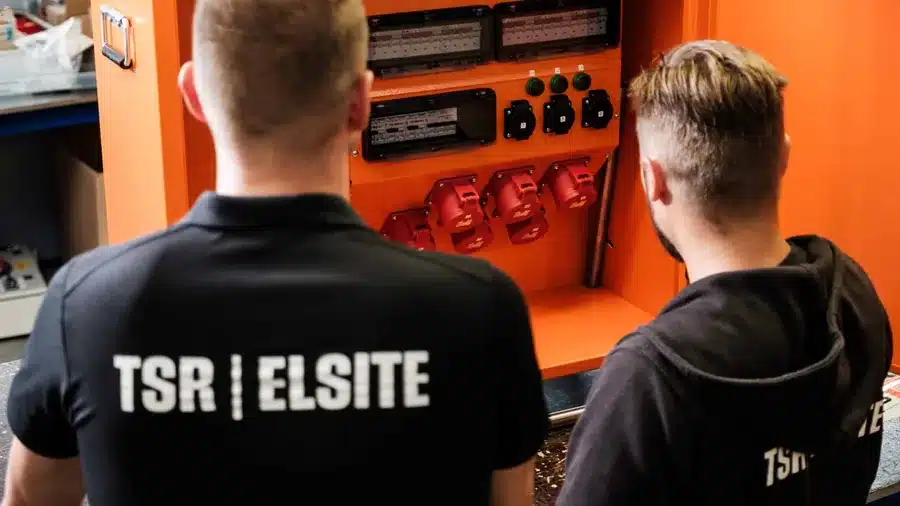
Construction sites
Drying tracked against schedule, consumption allocated to contractors, and handover documentation in one place.
Spine on site →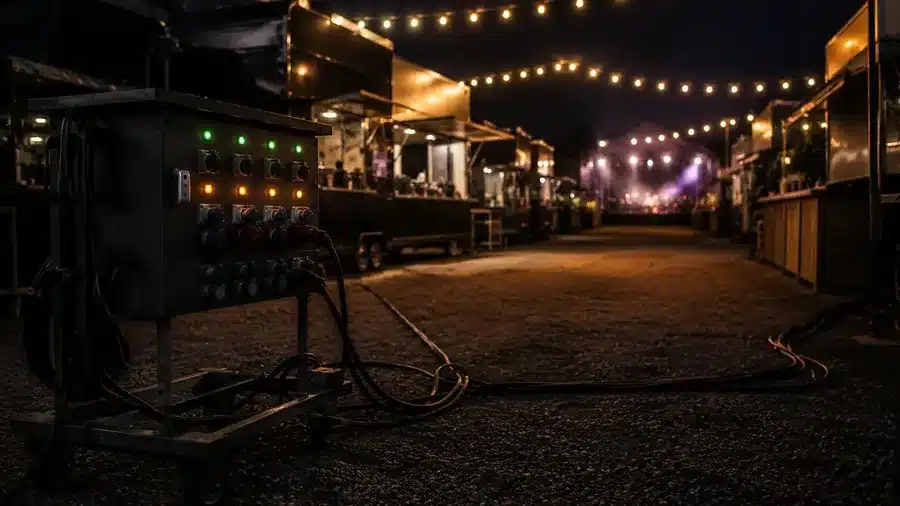
Events
Set up in minutes, vendors’ power stays on, and the generator runs at the right load for the whole event.
Spine at events →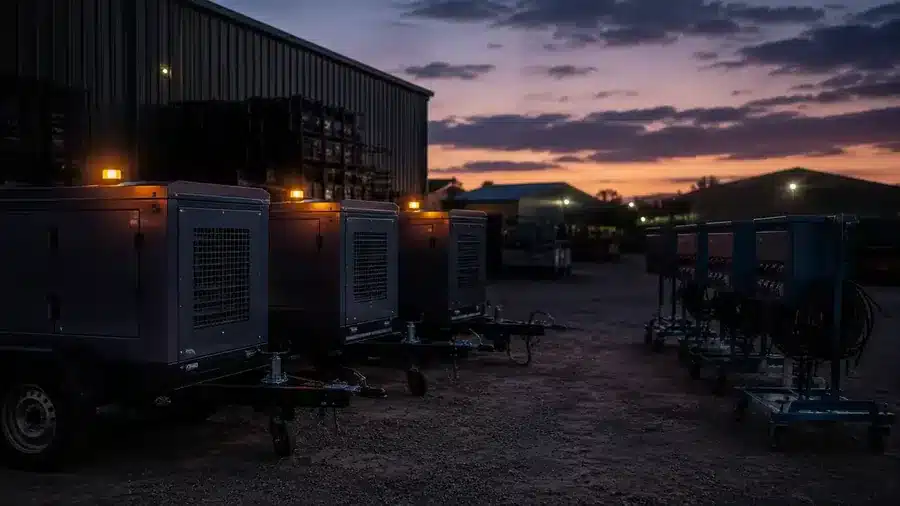
Industry and shipyards
Temporary shutdown power on schedule, data flowing into your own systems, and audit readiness without a separate folder.
Spine in industry →One view, and four fewer things to keep watching
Spine handles the measuring and monitoring for you, controls devices automatically into the right state, and tells you the moment something deviates.
See the site’s status any time
Electricity, heat and humidity in real time and water use hour by hour, all in the same app, evenings and weekends included, without a site visit.
Someone notices the deviation before you have to
A proactive alarm by text message or email arrives before the outage, while there’s still time to act.
Devices control themselves automatically
Heating adjusts to the measured temperature, the generator’s load stays at a safe level, and lights switch on their own schedule.
Reports and documents ready to go
Consumption, cost and CO₂, along with equipment inspection records and manuals, are ready whenever the client or an auditor asks.
What it looks like in use
The Spine portal brings a site's boards, meters and sensors into one view. Two views from an example project below.
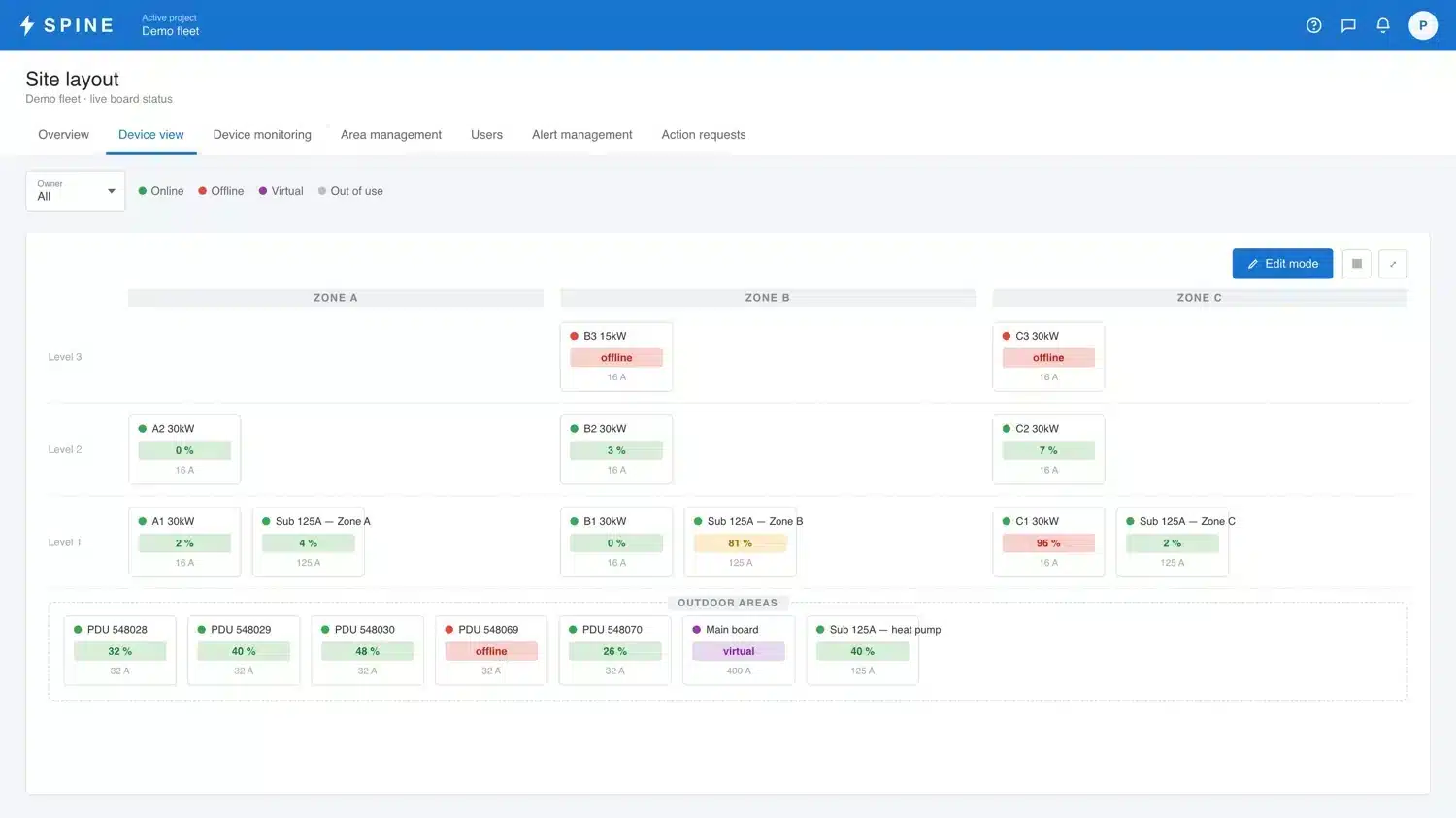
Site layout
Boards are arranged the way the site is, by zone and by level. Each tile carries its load and status, so an outlier stands out without anyone walking the site.
Device view
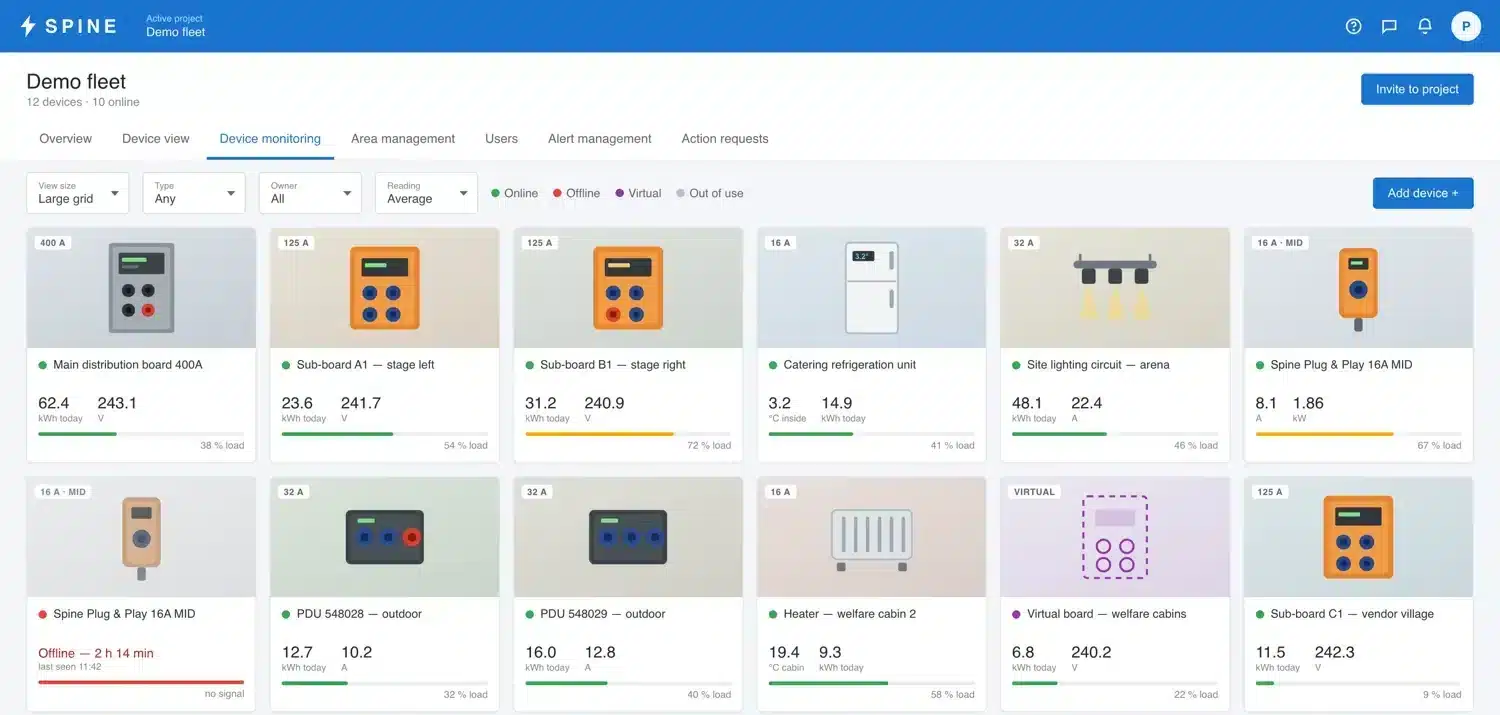
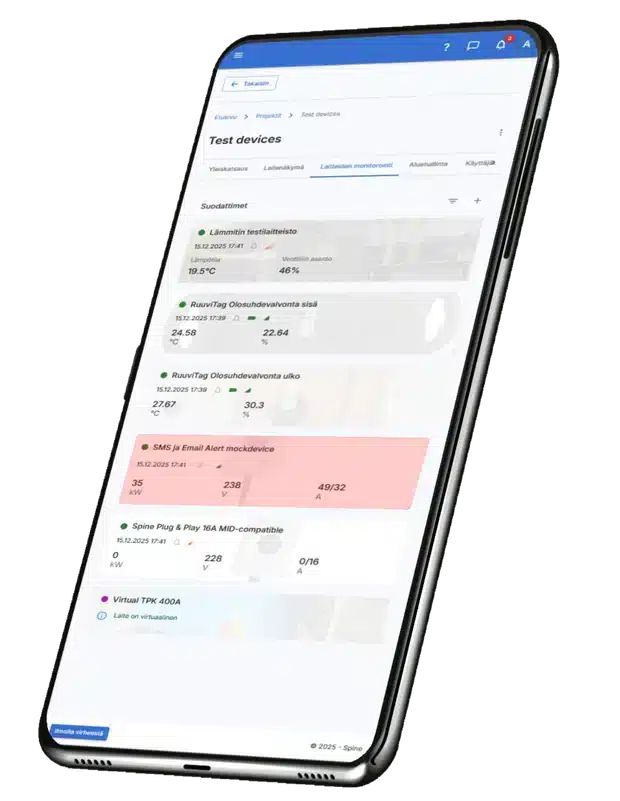
Consumption, voltage and load per device. Green, amber and red give the state at a glance, and a device that drops offline shows as its own state immediately.
In use on real sites
Terrafame deployed Spine at its Sotkamo mine
Electrical and condition monitoring across the mine site runs over 4G with no local network. Monitoring covers water and humidity across a wide area.
The case names Tero Pulkkinen, electrical automation development engineer at Terrafame.
Read the customer case →Strategic partnership agreement with Renta Group
Spine is integrated into Renta Easy through an API. The agreement states a scope of Northern Europe and the Baltic Sea region.
Read the release (21.12.2023) →Also available through equipment rental
A Spine-compatible remote electrical management system is listed in Cramo's catalogue, so the device can also be obtained on hire.
See the Cramo listing →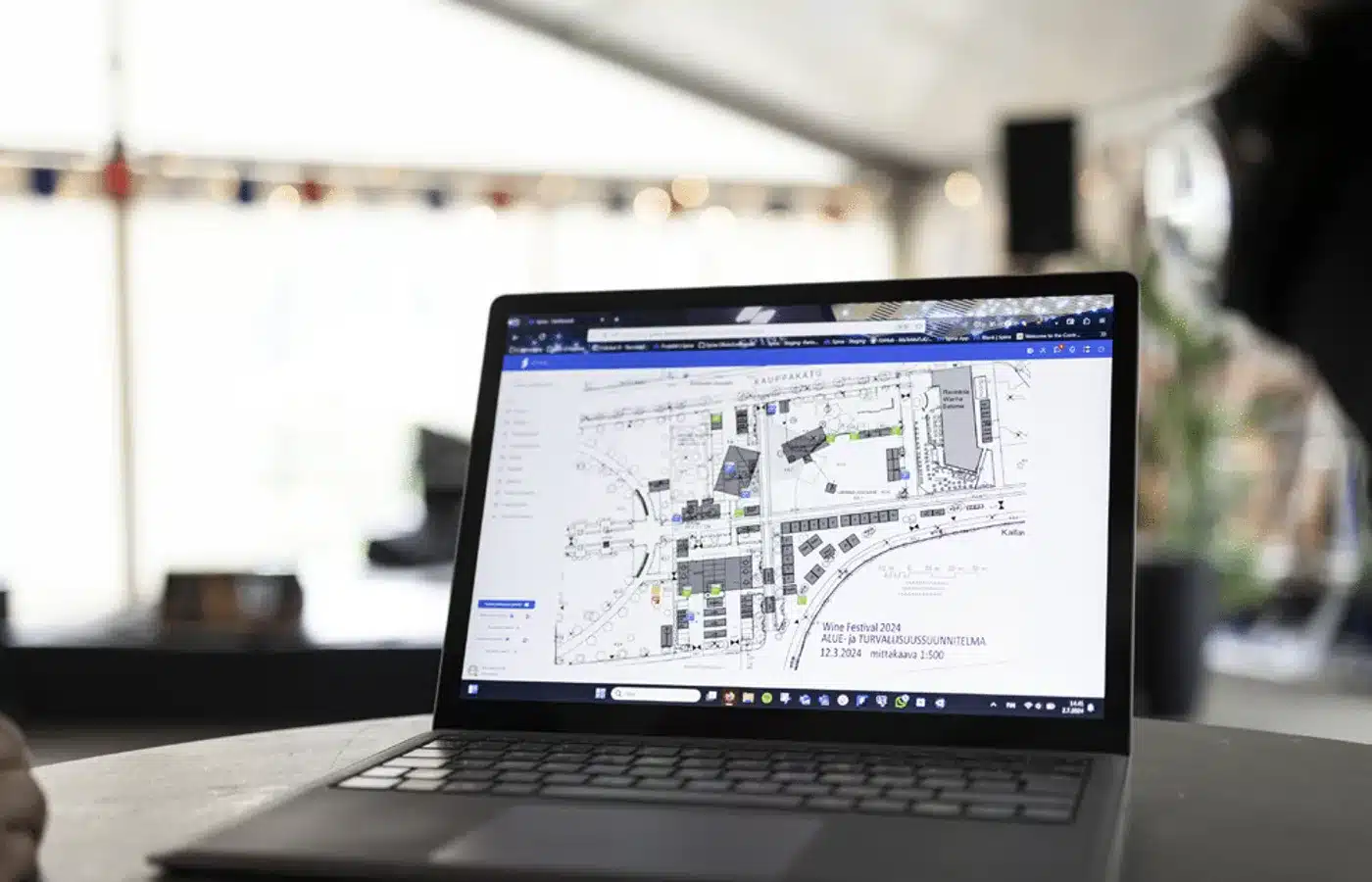
Let's look at what your site needs
Thirty minutes on your site's electricity, heating, water and control, and which of them is worth measuring. You get a straight assessment.
One platform, many ways to manage a site
Electricity, heating and conditions, water, and control are Spine’s core areas today, and the platform and its features keep being developed further. Pick the one your site needs or combine several. All the data flows into the same app.
Swipe the diagram sideways to see the whole picture.
See the whole site’s power consumption and network health in real time
Spine continuously measures load, voltage and phase balance, and raises the alarm before a fault stops the work. Consumption, cost and CO₂ are reported broken down by area.
Heat sent where it’s needed, and proof that it worked
Spine Valve adjusts water flow based on the measured room temperature. Wireless sensors verify drying performance, and all condition data is stored for documentation.
See water consumption hour by hour and get a dedicated leak alarm
Ultrasonic, MID-approved water meters send consumption and alarm data straight to the Spine cloud with no separate communication device. Water can be shut off automatically on a schedule, for example overnight and at weekends, when a motorised valve and a Spine control unit are added to the line.
Generator load management and lighting control
Spine switches the generator’s auxiliary load on and off automatically, eliminating harmful underloaded running. The same logic controls lighting and devices remotely or on a schedule.
What changes when Spine goes live
On the left, the typical situation without metering; on the right, the same thing with Spine.
- Electricity Load and faults are noticed only once a device stops or a fuse trips.
- Heating Heating and drying run “just in case”, because the space’s conditions aren’t measured.
- Water A pipe leak shows up only on the water utility’s bill, weeks too late.
- Generator The generator runs underloaded, sooting up and burning fuel for nothing.
- Documents Inspection records and measurement data sit in emails and scattered folders.
- Electricity Per-phase load is visible in real time and the alarm arrives before an overload.
- Heating Heating adjusts to the measured room temperature, and you can see drying progress.
- Water A pipe burst triggers an alarm after an hour of continuous flow and a leak after 24 hours, and water can be shut off automatically on a schedule with add-on devices.
- Generator The auxiliary load switches on by itself, so the load stays at a safe level.
- Documents Records, manuals and history stay with the device for the whole project.
Up and running the same day
The same principle for every Spine device: electricity, heating, water and control.
Connect the device
The Spine unit connects to the board, generator, valve or pipe. No rewiring and no site-specific setup.
Scan the QR code
The device identifies itself and places itself on the site’s floor plan or riser diagram automatically.
See the data in the app
Load, consumption and conditions on any device, with the 4G connection ready to go.
Set thresholds and alarms
Threshold values, recipients and automation are configured in the app. After that, Spine handles the monitoring.
The device’s paperwork lives with the device
The Spine service stores each device’s inspection and test records, manuals and site drawings. They’re still there a year later, even if the folder is long gone and the installer has changed.
- Inspection and test records Commissioning inspections and measurement reports are stored directly against the device.
- Manuals and maintenance instructions The same instructions for everyone using the device on site, shift after shift.
- Site drawings and riser diagrams A real-time riser diagram is generated automatically, and you can upload your own drawings alongside it.
- The whole project’s history Data and documents are kept for the project’s entire lifecycle, even after the site is finished.
Go to the page that fits your need
Each area has its own products, technical data and use cases. Products are added to the quote cart from the area’s own page.
Spine for electricity
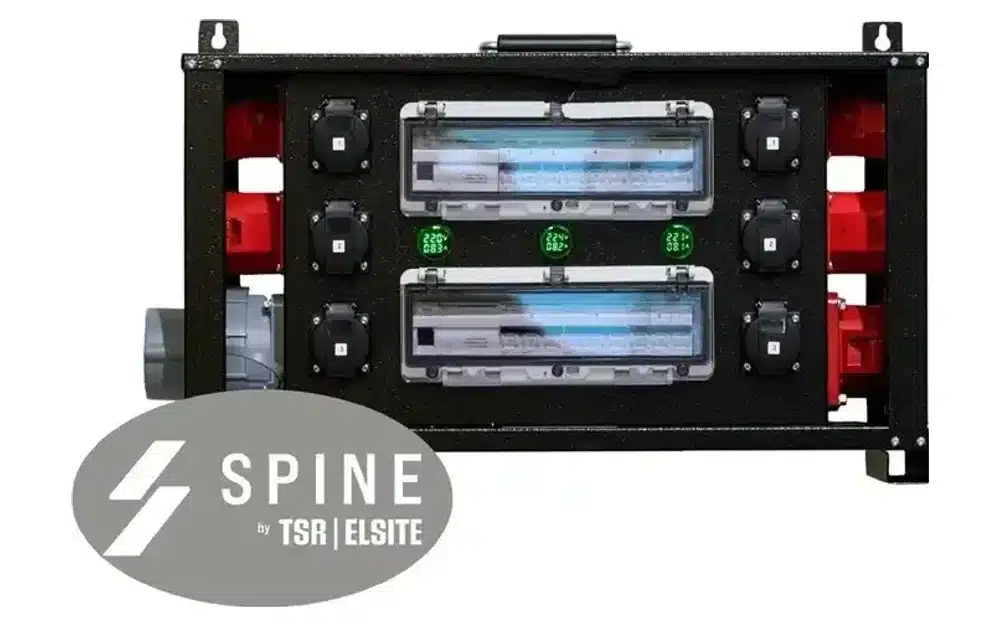
Sub-distribution boards, modular boards and Plug & Play devices for consumption metering and network monitoring.
See products →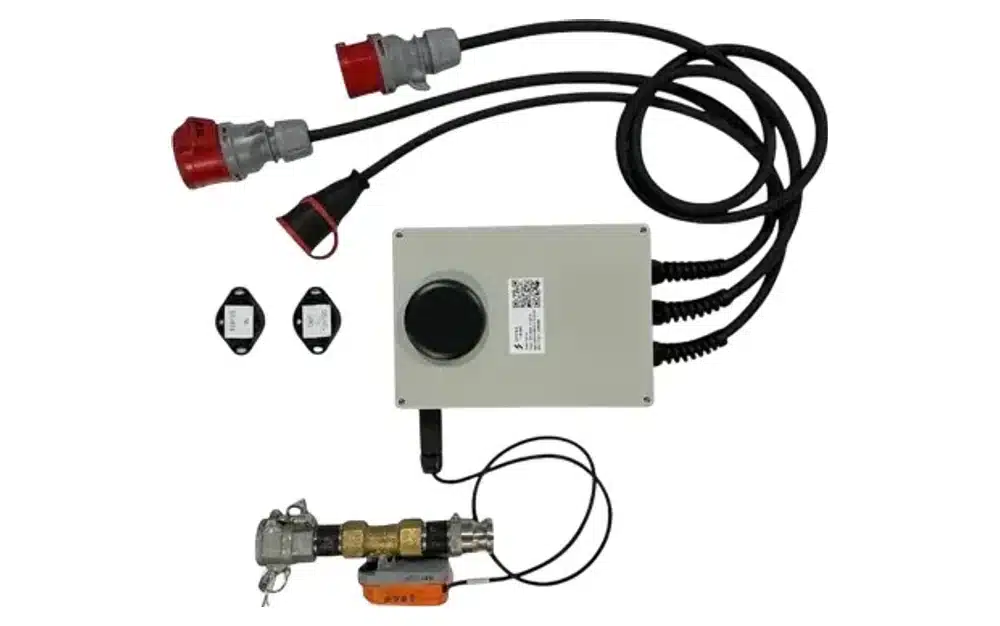
Spine for heating
Spine Valve, wireless sensors and automatic heating control for drying and winter heating.
See products →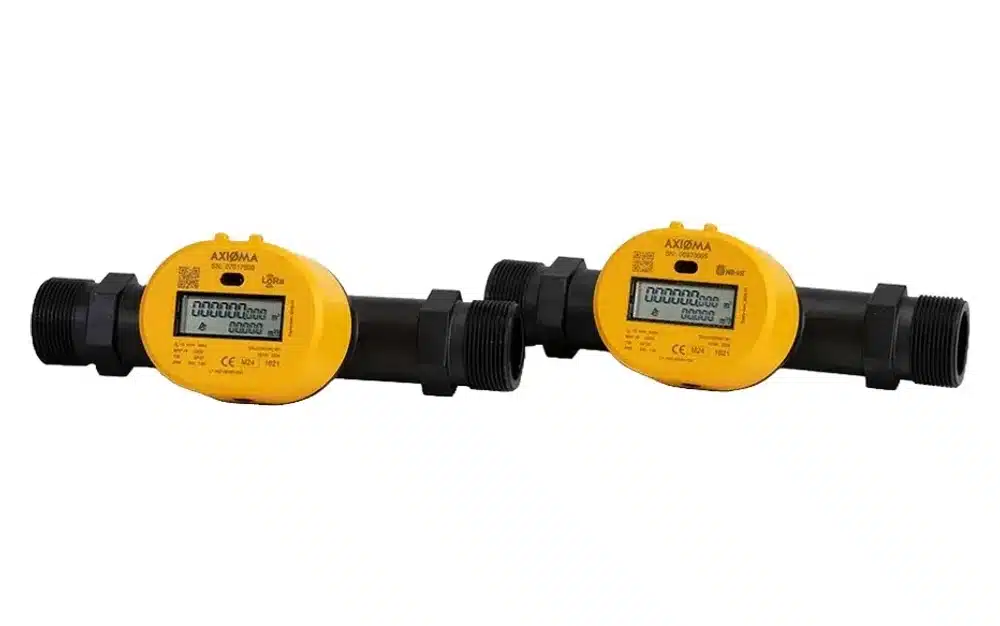
Spine for water
DN25, DN32 and DN40 ultrasonic water meters with remote reading and leak alarms.
See products →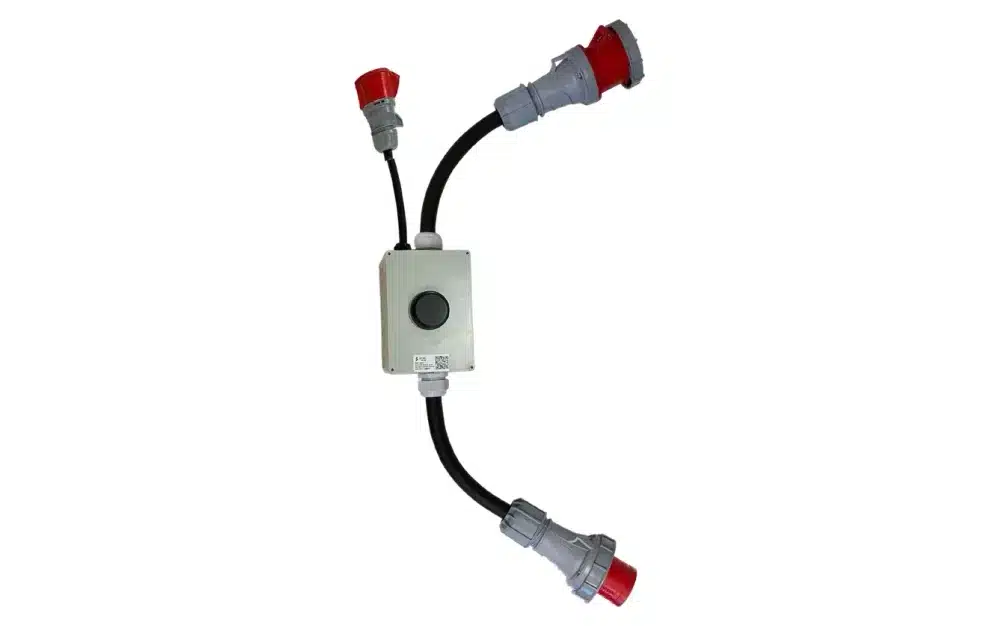
Spine for control
Plug & Play 32A/63A and the TSR-HUB 63A Spine Load for generator load management and lighting control.
See products →Two ways to proceed
Request a quote
Pick an area, add products to the quote cart. We’ll get in touch and put together a quote for your site.
Go to products →Book a free 30-min consultation
We’ll go through your site’s needs (electricity, heating, water or control) and figure out what combination fits. No commitment.
Book a time →Answers to the most common questions
Does Spine need a separate network connection on site?
No. The devices have an automatic 4G or NB-IoT connection, so no local network infrastructure is needed. The connection also works worldwide.
Does Spine work with existing boards?
Yes. Spine is available integrated into electrical boards or as a separate Plug & Play device that plugs into a socket with no rewiring.
Where are the site’s test reports and manuals stored?
In the Spine service. A device’s inspection and test records, manuals and site drawings are stored against the device and kept for the project’s entire lifecycle.
Can Spine data be exported to your own systems?
Yes. The Partner API enables system integrations, Modbus RTU connects external devices, and MQTT provides a real-time data stream.
How much does Spine cost?
The cost consists of the device purchase and the Spine license, and depends on the site and the devices needed. Add products to the quote cart or book a consultation to get a quote for your site.
Does the data stay available after the project finishes?
Yes. All Spine data is stored for the project’s entire lifecycle, and reports can be produced for a single device or the whole site, even after the fact.
Tell us about your site and we will come back to you
We reply the same working day. You can also call us directly. Or call: +358 9 4555 588